Show them the floor
before they sign.
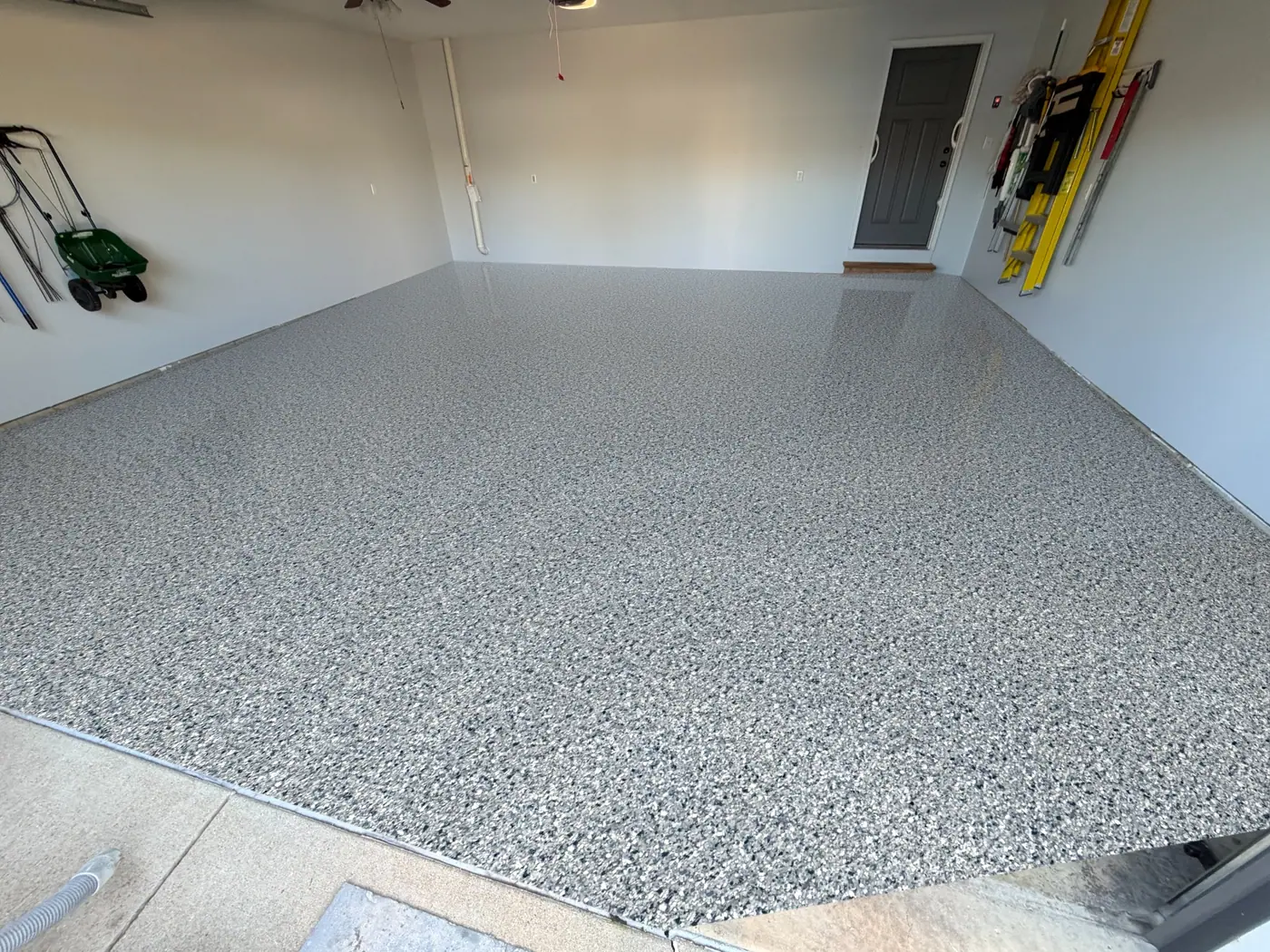
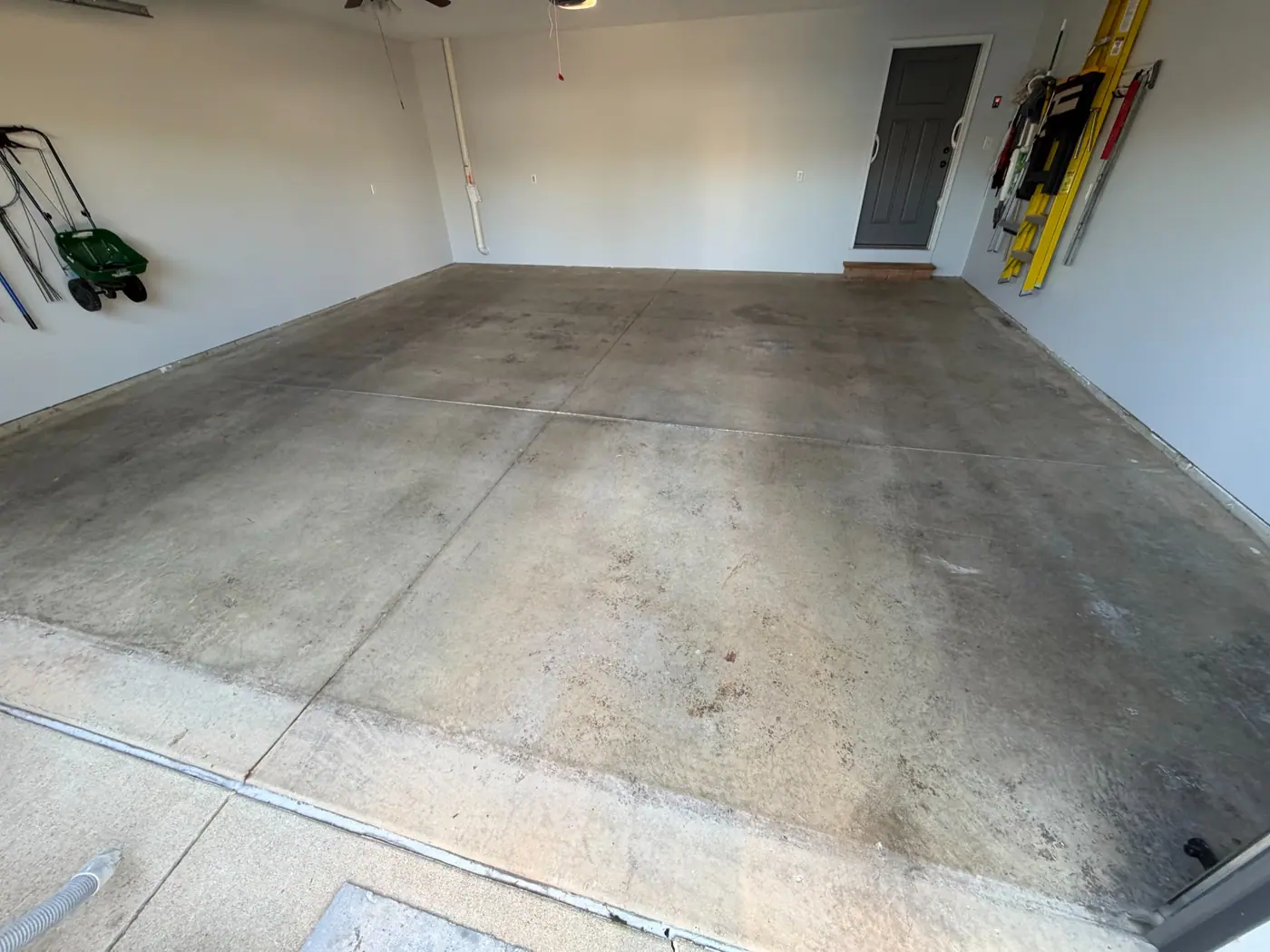 BeforeTidal Wave
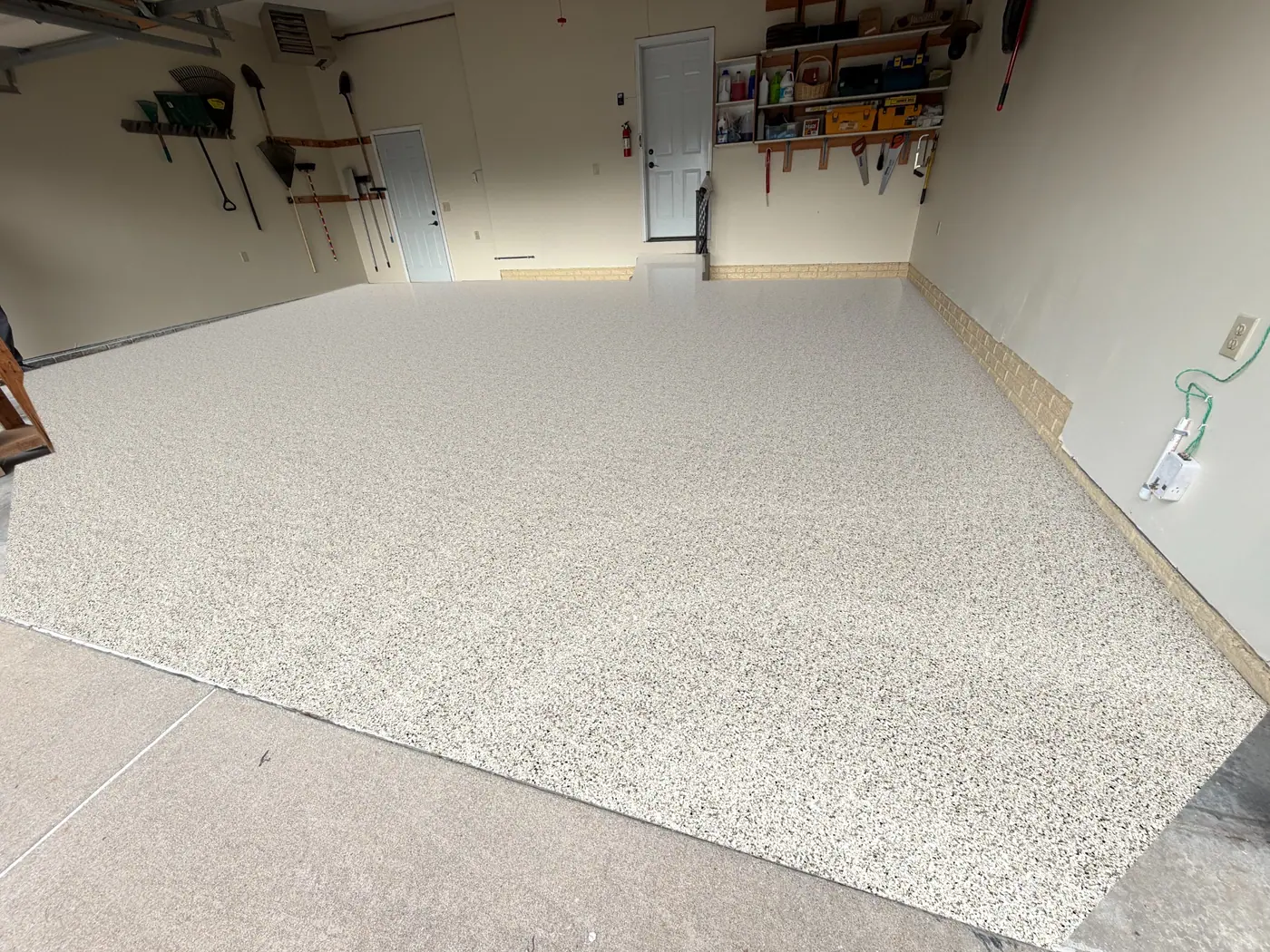
The coating stops at the expansion joint. The driveway stays concrete.
Take a photo of the garage. CoatingOS finds the floor, lays real flake chips in that garage's own light, and stops at the expansion joint, never the driveway.
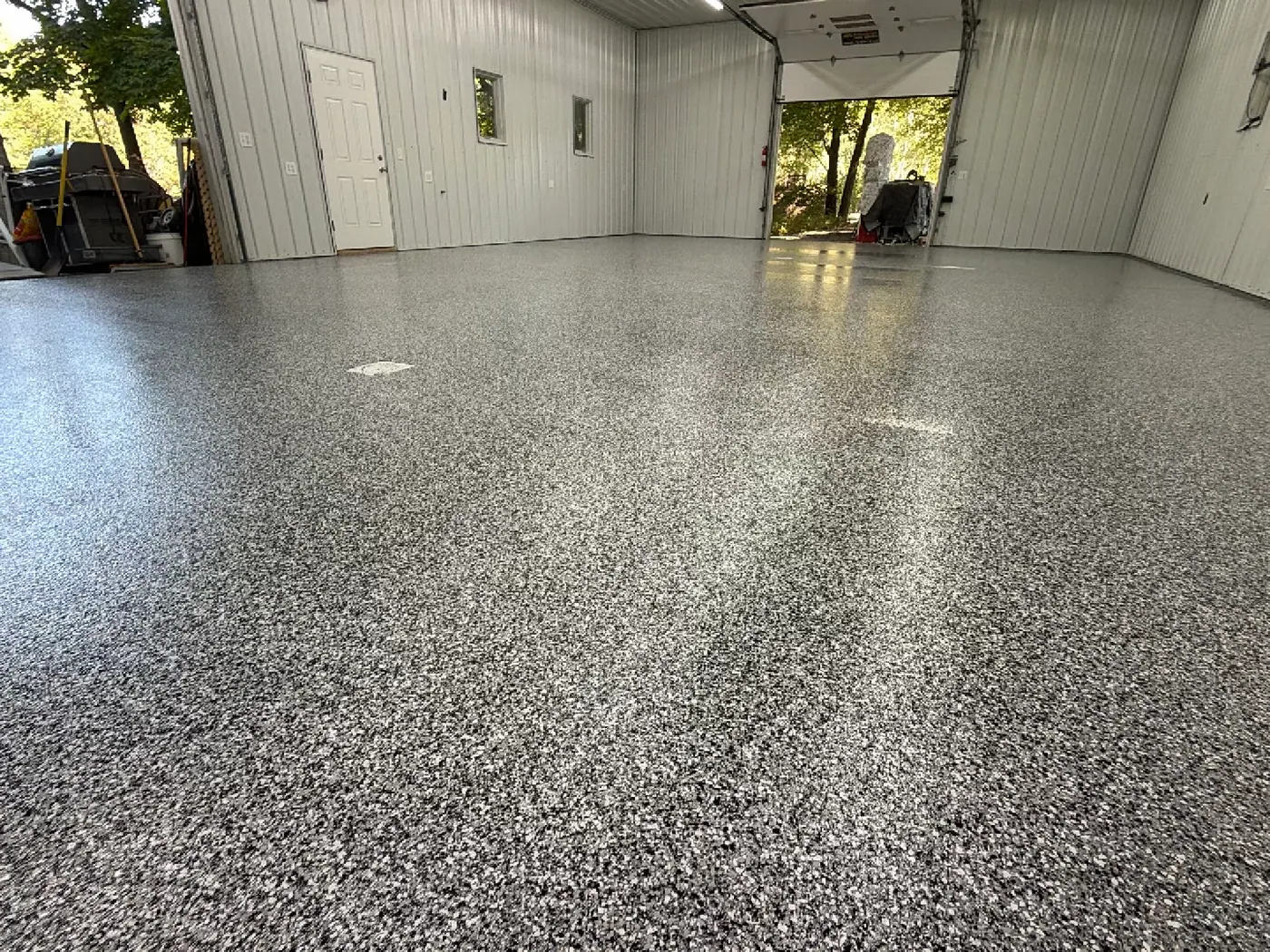
Every garage on this page is a real Loud Bros job, photographed by the crew before the work.
The preview vs. the finished floor
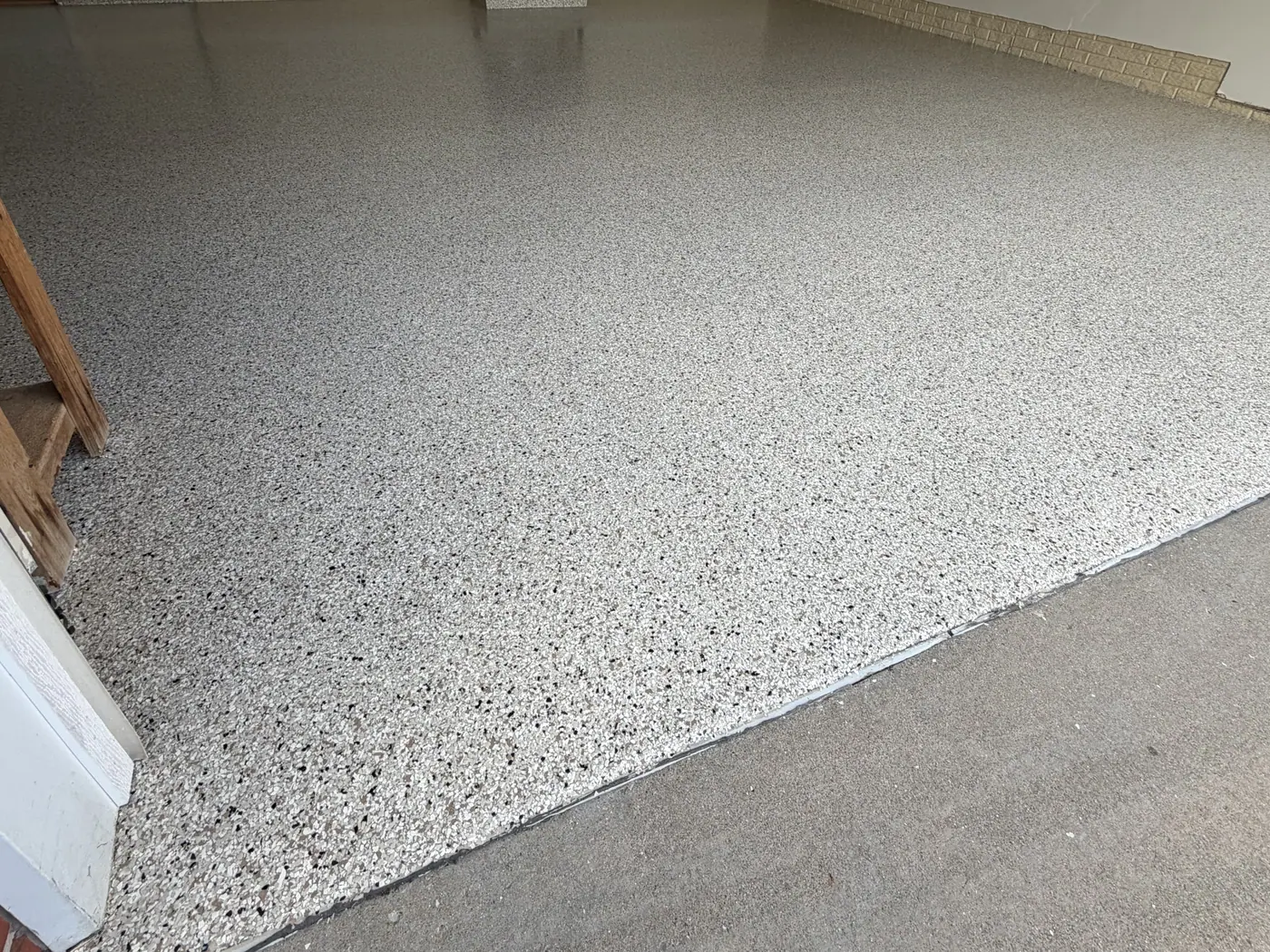
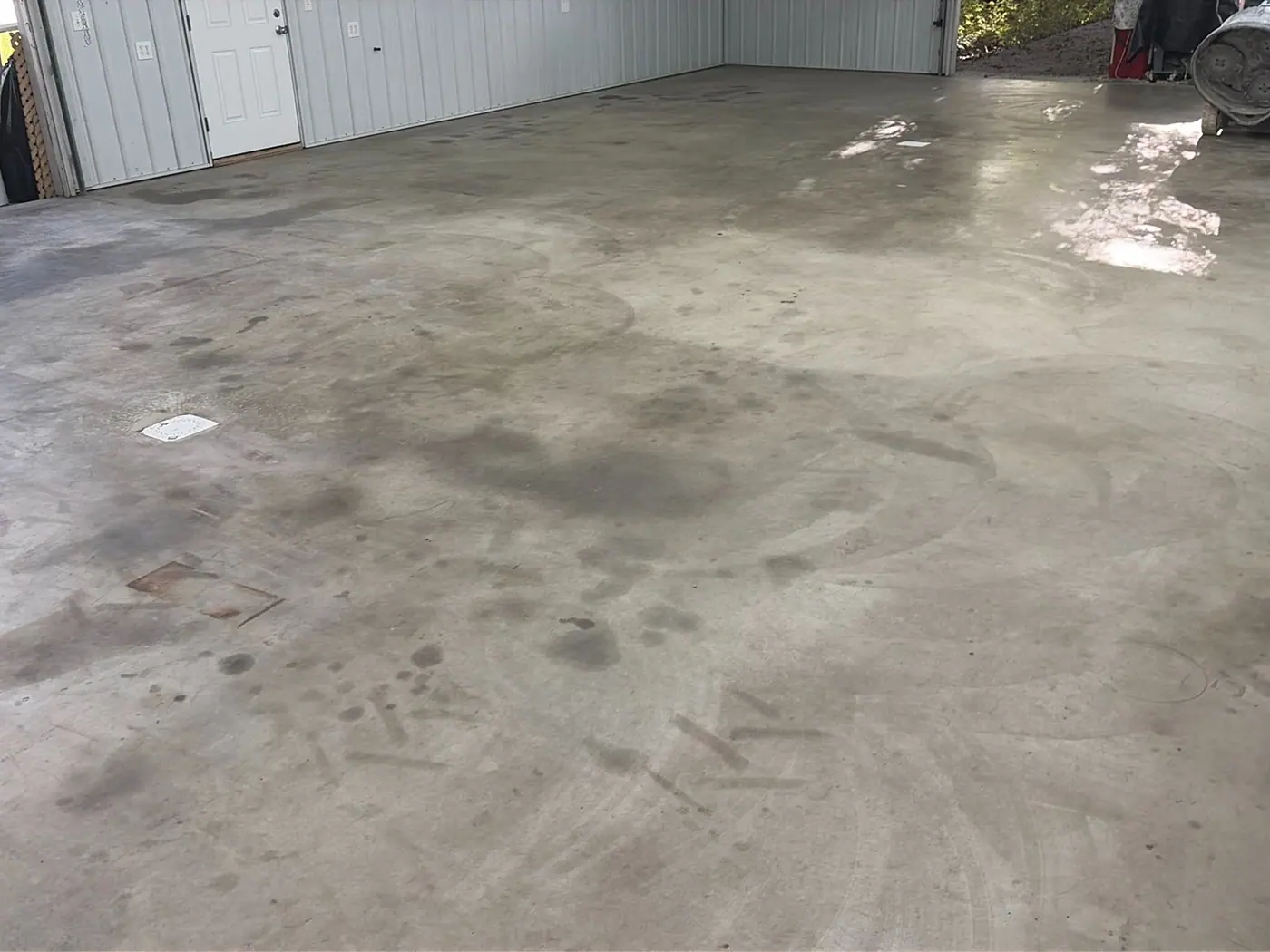
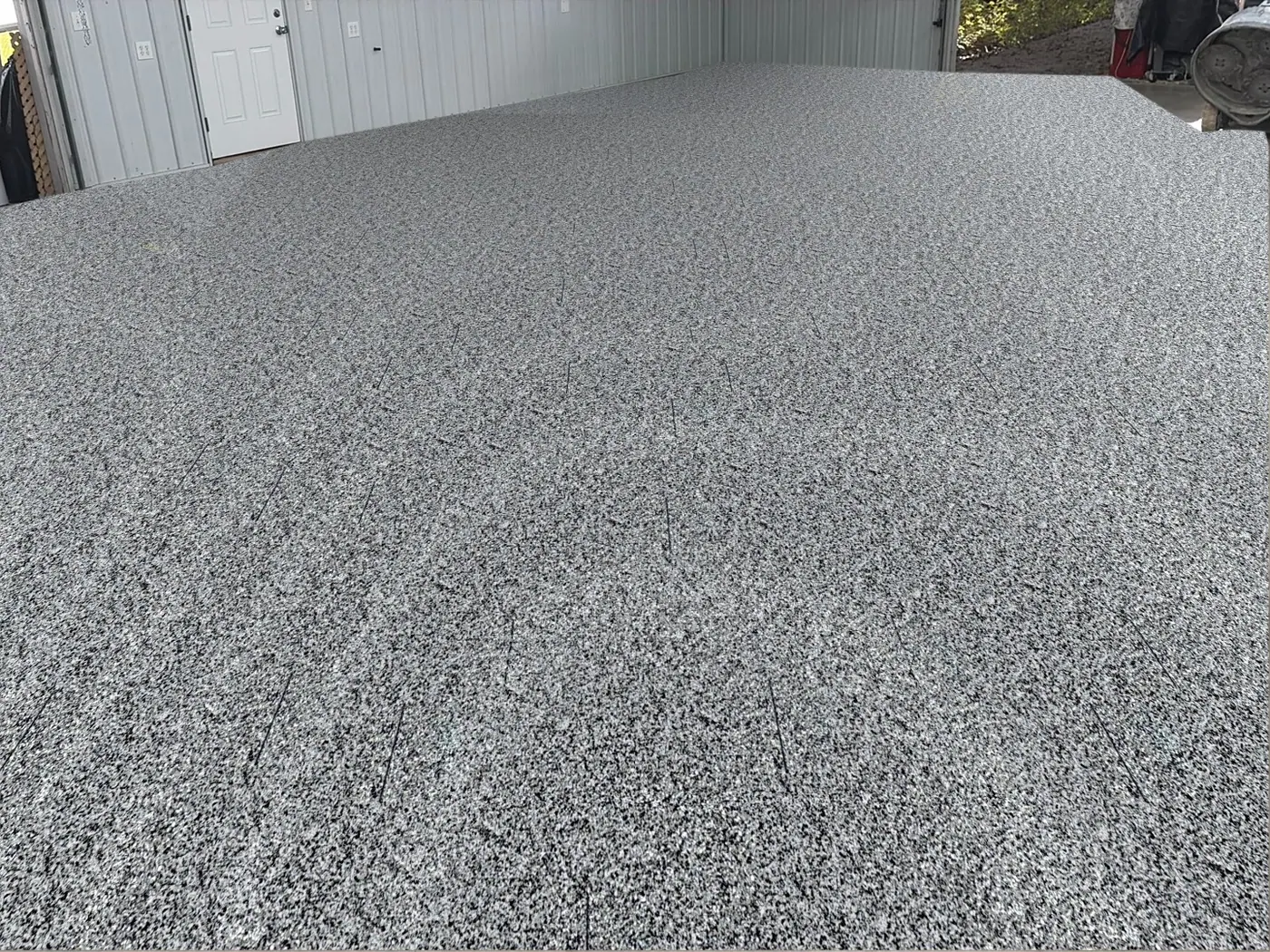
Each row is one garage: the crew's before photo, the preview made from it, and the same floor after the job. The finished photos were taken from a different spot, at a different time of day.
Tidal Wave
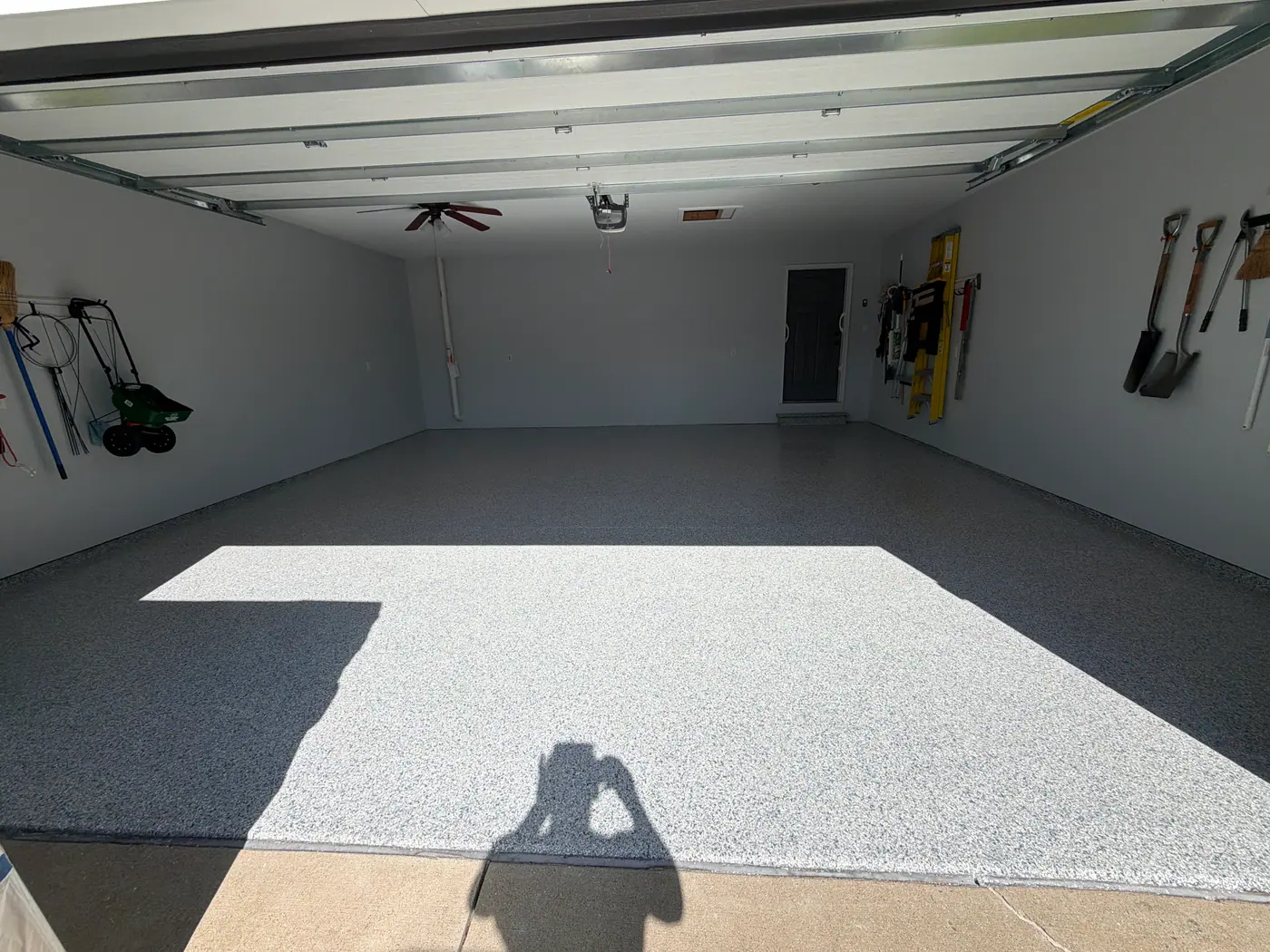
Shoreline
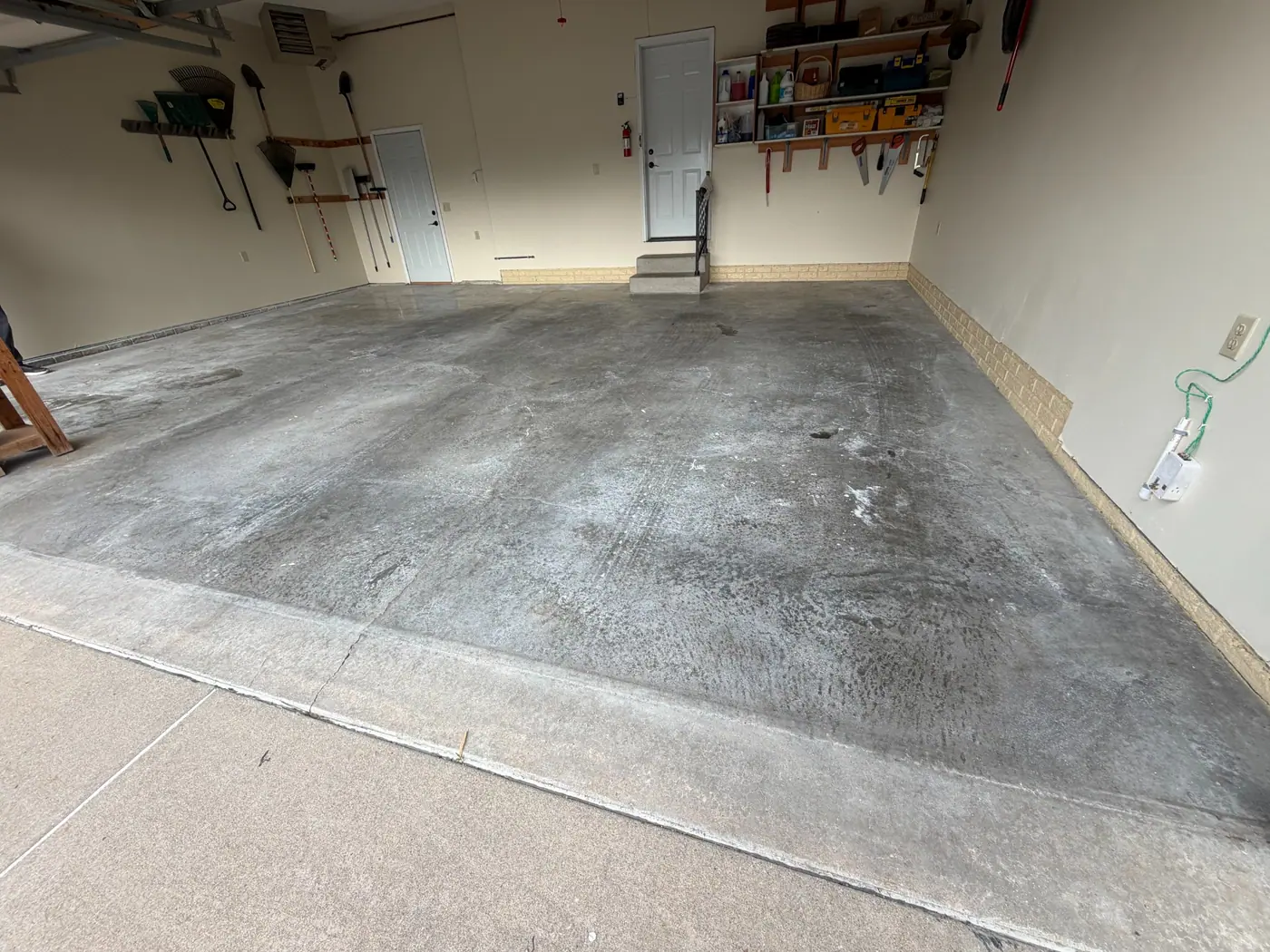
Domino
How it works
- 1
Open a garage photo
On any estimate or work order, open a photo of the garage and tap Preview a floor coating.
- 2
The floor is found in seconds
AI traces the slab out to the expansion joint and leaves cars, shelves and bins on top. Drag the edges if it missed a spot.
- 3
Pick a blend and show them
Switch blends instantly, drag the before/after slider, and save the picture to the estimate.
Built to look like the real floor
Stops at the joint
The coating ends where the garage slab ends, at the expansion joint. The driveway stays concrete.
Real chips, not painted
The chips come from photos of finished floors, laid on in true perspective. AI only finds the floor; it never draws the flake.
Their light, their garage
Brightness follows the garage's own light, and the clear coat reflects their walls, doors and cabinets.
Before / after slider
Drag across the photo to show the change in one motion, right next to the homeowner.
Fix edges by hand
Tricky photo? Drag the outline into place and the floor updates as you go.
Saved to the estimate
Save the preview to the estimate or work order, or download it to text or email.
Frequently Asked Questions
How does the CoatingOS floor visualizer work?
Open a garage photo on an estimate or work order. AI finds the floor in about 5 seconds and stops at the expansion joint where the garage slab meets the driveway. Real flake chips are then laid onto the floor in perspective, in the photo's own light, and you can switch blends instantly.
Is the coated floor AI-generated?
No. AI only finds the outline of the floor. The chips come from close-up photos of finished floors and are placed on the photo at the right size and angle, so the colors and chip pattern stay true to the blend.
Does it work in a cluttered garage?
Yes. Cars, shelves, bins and equipment resting on the floor stay on top of the new floor. If a photo is tricky, drag the outline to fix the edges.
Which flake blends can I show?
Four blends to start: Tidal Wave, Creekbed, Shoreline and Domino.
Is the visualizer an add-on?
No. It is included in CoatingOS at $278/month, with every other feature.
Close the sale with their own garage.
The floor visualizer is included in CoatingOS, with every other feature, for $278/month.
Start Free Trial